Spent a weekend setting up your last laptop?
Don't do it again.
Endstate captures the apps and settings that make your Windows machine yours, then puts them back on the next one in minutes. Free, open source, your data stays yours.
Free forever · Open source engine · No account required
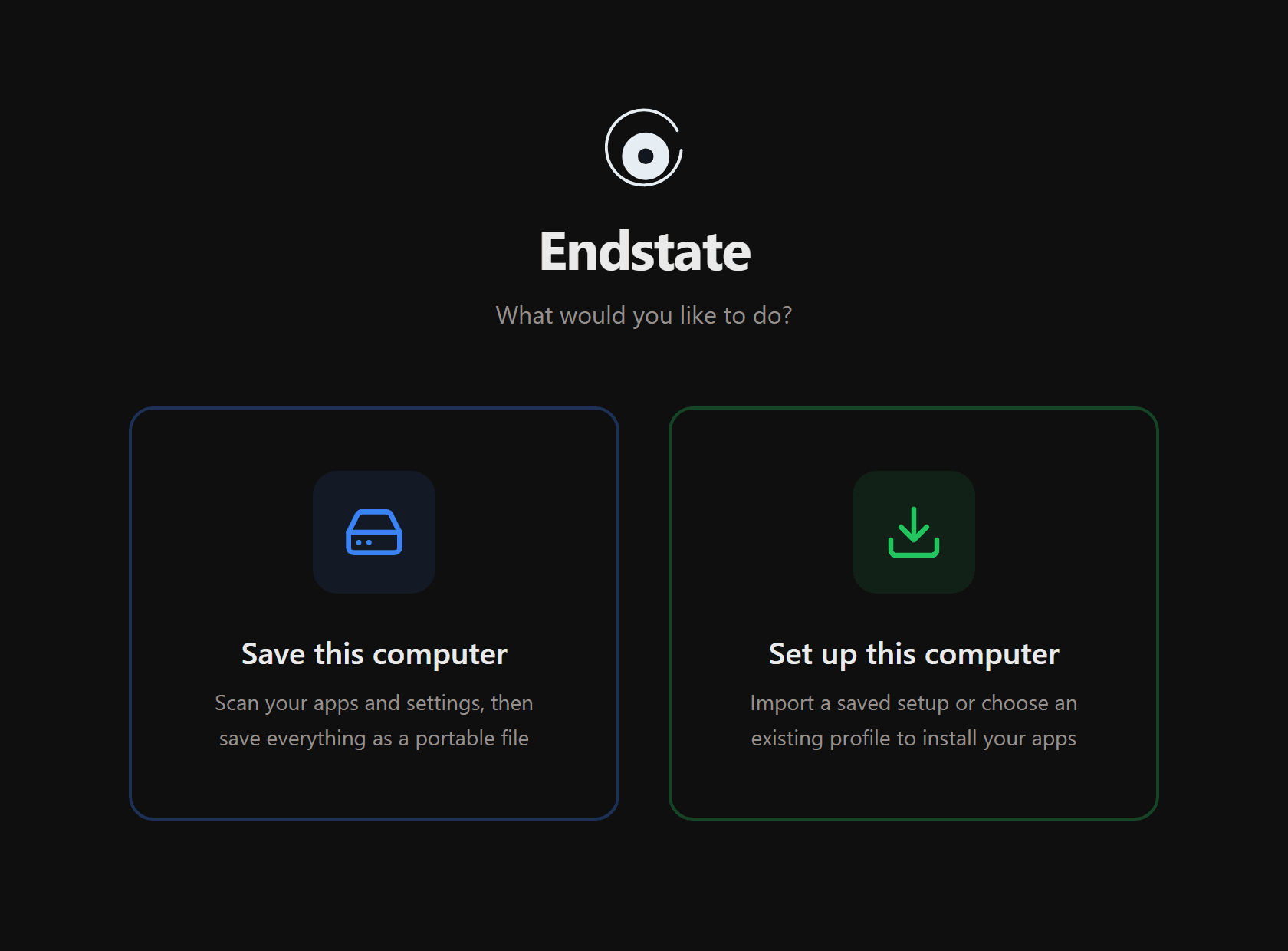
ONE WINDOW · TWO JOBS · EVERYTHING LOCAL
Two screens. Zero guesswork.
Scan your current machine, save your setup to a file you control, then load it on any fresh Windows install. Everything runs locally.
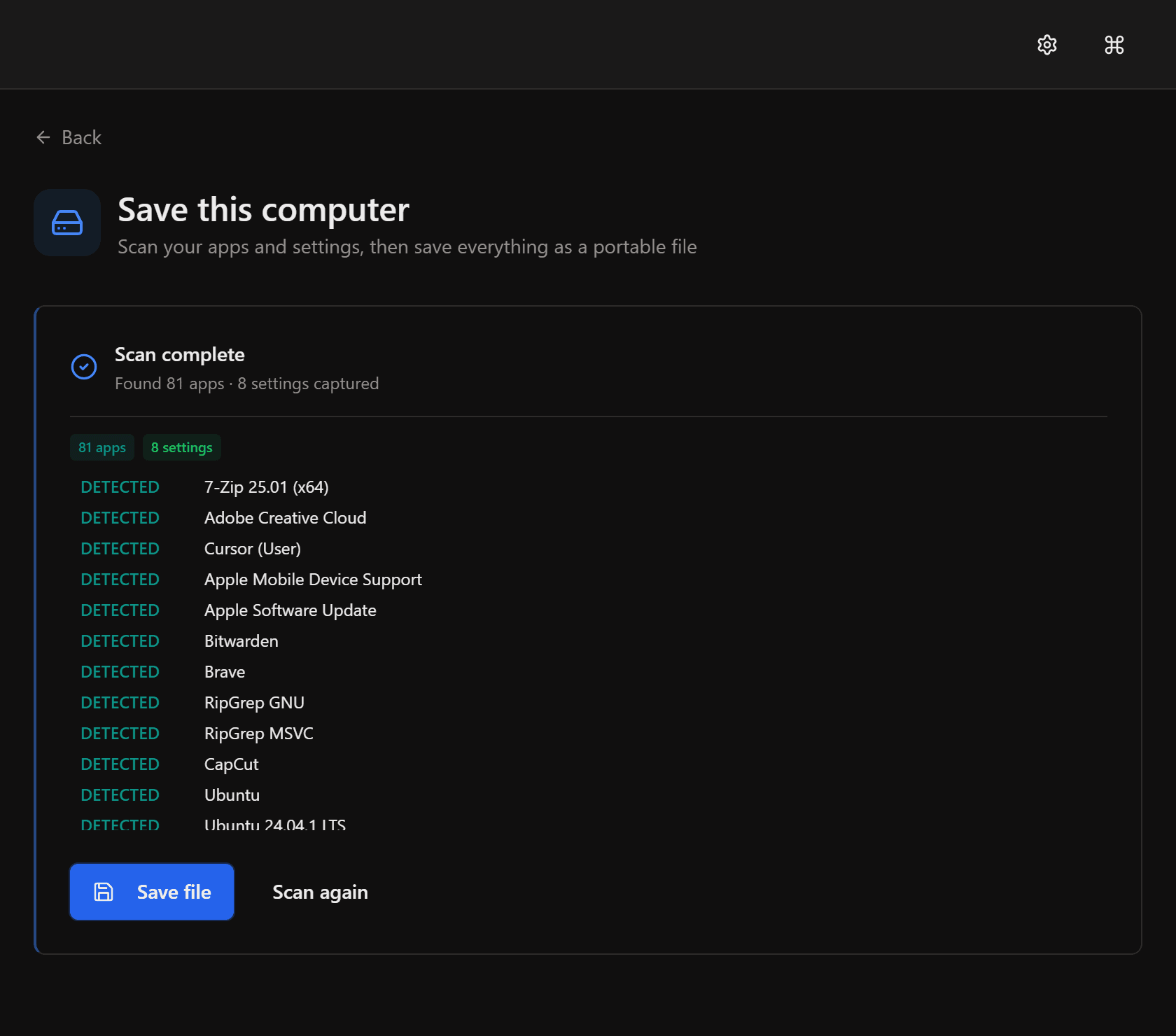
Scan your machine
Endstate detects every installed app on your machine and finds settings for supported apps. Everything gets saved to a single file — no manual lists required.
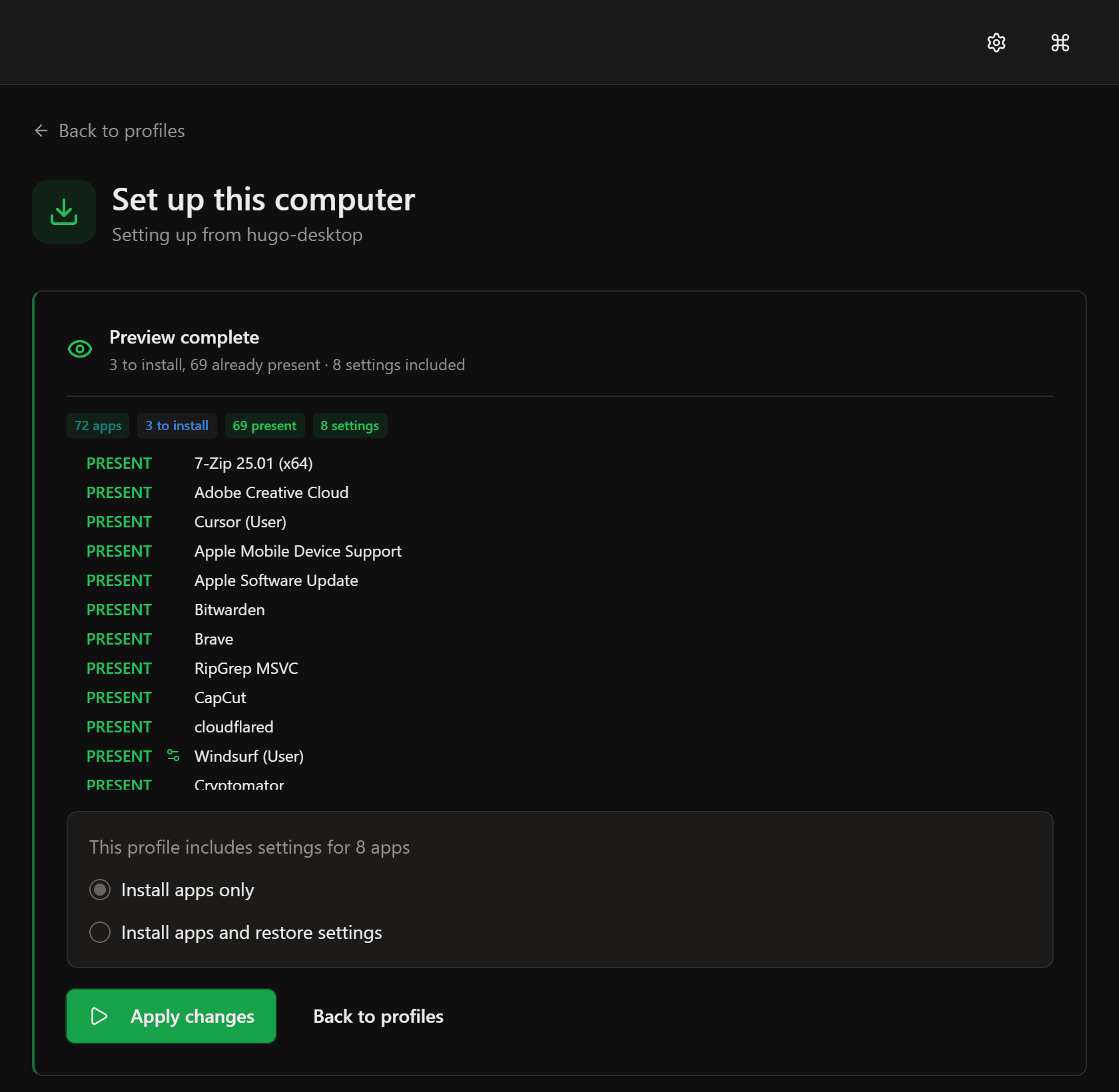
Restore on a new machine
Open your saved file on a fresh Windows install. Endstate shows what needs installing and what you already have. Choose whether to restore settings too, then hit apply.
Built for the people who actually use their machines.
Designers, editors, creators, gamers, freelancers, students, sysadmins — anyone whose laptop is full of carefully chosen tools and settings. Endstate gets you back to work in minutes, not a weekend.
Automatic app detection
Scans your machine and finds every installed app, then reinstalls anything winget can — thousands of apps. No manual lists, no guesswork. If it's installed, Endstate sees it.
Bring your settings
Captures and restores settings for 300+ apps — editors, terminals, creative tools, emulators, and more. Opt-in per app.
Portable setup files
Your saved setup lives as plain files in your Documents folder. Copy them, back them up, share them. No cloud account required.
You stay in control
Apps install one at a time. Windows asks for permission before each one — nothing installs silently. You can stop at any point.
Preview first
Check whether your machine matches a saved setup without changing anything. See exactly what's missing before you act.
Always reversible
Every settings restore creates a backup first. One click to revert. Nothing changes without your explicit confirmation.
What changes when you use Endstate.
Common questions
Free product. Optional paid services.
The local product is free, forever. Pay only for managed services you actually want, or chip in if you want to support the project.
Free
Forever · No account
The full Endstate product — every feature, no limits.
- ✓Full GUI and CLI
- ✓Capture, restore, profiles, manifests
- ✓Settings backup for supported apps
- ✓Back up to any location you control
- ✓Open source engine (Apache 2.0)
- ✓Works fully offline
Endstate Cloud
Billed monthly · Cancel any time
Your encrypted setup history, ready on another Windows PC.
- ✓Endstate application lists and supported non-secret settings, encrypted before upload
- ✓Endstate Cloud protects the application list and supported non-secret settings captured by Endstate; it is not personal-file backup.
- ✓Client-side keys — Endstate cannot read your data
- ✓Keep protected versions without managing storage yourself
- ✓Restore your Endstate setup on another Windows PC
- ✓Self-hosting protocol stays open
- ✓Cancel any time
Support Endstate
One-time · Entirely optional
Not a plan. Endstate is already free and complete — this is for people who want the project to keep going.
- ✓Unlocks nothing: there is nothing held back
- ✓Your name on the supporters page (opt-in)
- ✓Your name in the open-source repository (opt-in)
- ✓Funds ongoing development
- ✓That's the whole pitch — be honest with yourself
Endstate for Teams
ResearchSpeaking with design partners
We are exploring how Endstate could support repeatable Windows setup and recovery for organisations.
- ✓Speaking with design partners
- ✓No current team product or purchase
Read the principles for what these commitments mean and what they rule out.
Setting up a new PC?
Next time you're staring at a fresh Windows install — this is the first thing to install.